Is it better to pre-record or livestream your virtual event? A practical guide for modern organisations
Originally published in 2021, updated in 2025
Virtual events have evolved far beyond the early Zoom era.
Today, they’re an essential part of how organisations communicate, launch products, educate teams, and build community.
Whether you’re addressing global employees, running a customer webinar, or announcing a major update, one strategic question always returns:
Should you pre-record your event or livestream it?
The truth is, there’s no universal “best” format.
There’s only the format that best fits:
- Your audience
- your speakers
- Your message
- Your timeline
- Your risk tolerance
- Your engagement goals
- Your long-term content strategy
This guide breaks down pre-record, livestream, and the increasingly popular simulive format, and explains how to choose the right one for your event.
It’s written for clients who want clarity, not jargon; guidance, not guesswork.
TL;DR: The right format makes your message stronger
Virtual event formats aren’t about technology.
They’re about storytelling strategy.
- Pre-recording gives you clarity and polish.
- Livestreaming gives you immediacy and participation.
- Simulive gives you reliability and the best chance of engagement.
When used intentionally, each format strengthens how your audience understands your message and how they feel about your brand.
There is no perfect format. There is only the format that serves your purpose best.
And choosing thoughtfully is how you set your event up for success.
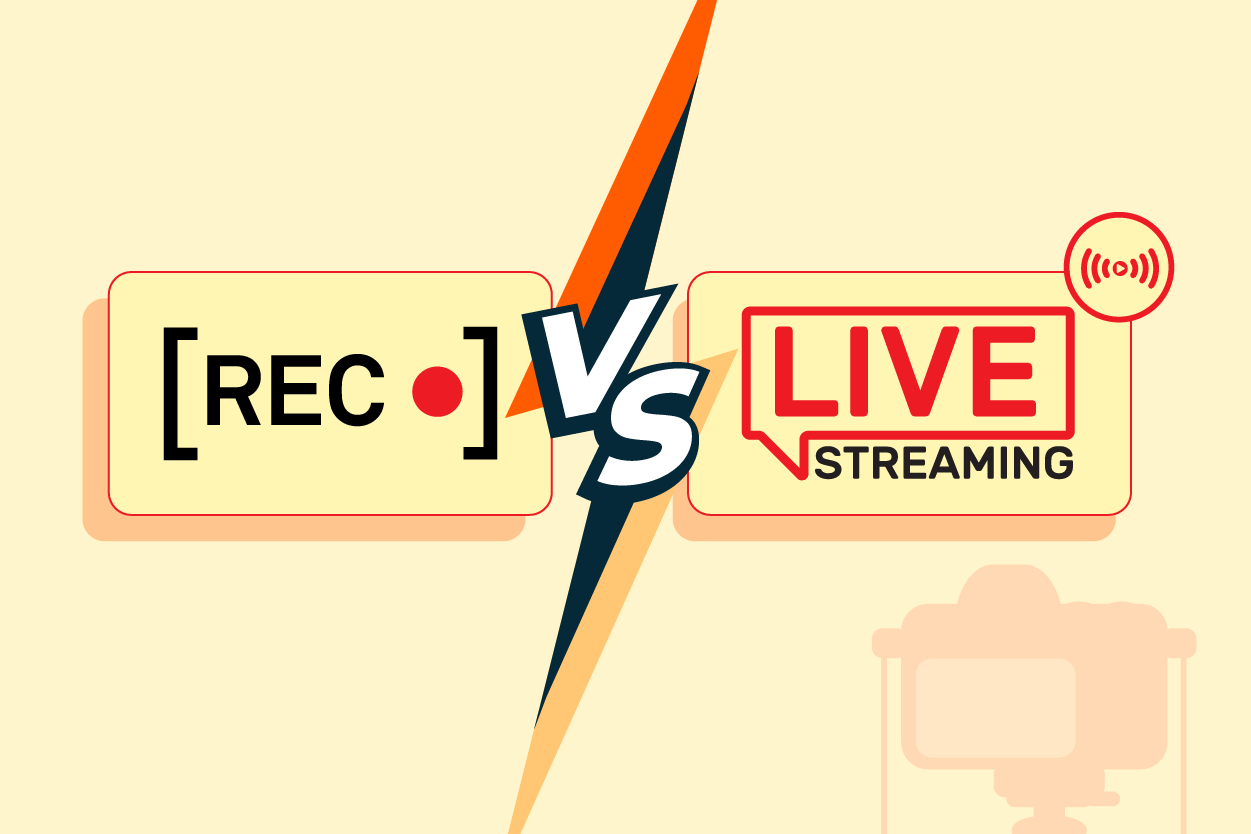
Pre-recording vs Livestreaming: three formats you can choose from
Before diving into recommendations, here’s a clear breakdown of your options.
A. Pre-recorded events
Your content is filmed and edited ahead of time, then shown during the event or published on demand.
Best for:
- Leadership announcements
- Product explainers
- Internal communications
- Training & onboarding
- Campaign content
- Messages requiring perfect accuracy
What it offers: maximum control and highest quality.
B. Livestream events
Your event happens in real time, with audiences tuning in live.
Best for:
- Launches
- Panels
- Q&As
- Community events
- Thought leadership webinars
What it offers: energy, immediacy, and live human connection.
C. Simulive events (the “new standard”)
A hybrid format: content is pre-recorded but broadcast as if it were live. Speakers join real-time chat to answer questions, run polls, or greet attendees.
Best for:
- Global audiences
- Webinars
- Town halls
- Multi-session conference days
What it offers: the polish of pre-record + the engagement of live, but with zero technical risk.
When pre-recording is the right choice
Pre-recording is all about control. If the message must be precise, polished, or evergreen, this is usually the correct approach.
A. When accuracy matters
If your content involves sensitive information, compliance review, financials, or technical detail, you want the option to redo takes and refine the message.
No surprises, no stress.
B. When speakers need support
Not everyone is comfortable presenting live. Pre-recording allows for:
- Multiple takes
- Prompters
- Coaching
- Scripting
- Smoother delivery
Your speakers appear confident because they feel confident.
C. When you need consistent quality
Pre-recording gives you access to:
- Motion graphics
- Cutaways
- Product demos
- Animation
- Captions
- Colour-graded visuals
It ensures a polished, brand-aligned final product.
D. When accessibility is essential
Because everything is edited in advance, you can deliver:
- Accurate closed captions
- Multi-language subtitles
- Audio descriptions
- High-contrast layouts
This is much harder to guarantee in real time.
E. When repurposing is the priority
A single pre-recorded session can be repurposed into:
- Short clips
- Training modules
- Social videos
- Newsletters
- Blog posts
- Evergreen explainers
If long-term value matters, pre-recording is your best friend.
Drawbacks of pre-recording:
- Requires more planning
- Editing increases time and cost
- Harder to accommodate last-minute content changes
- Loses the live energy of real-time interaction
When livestreaming works best
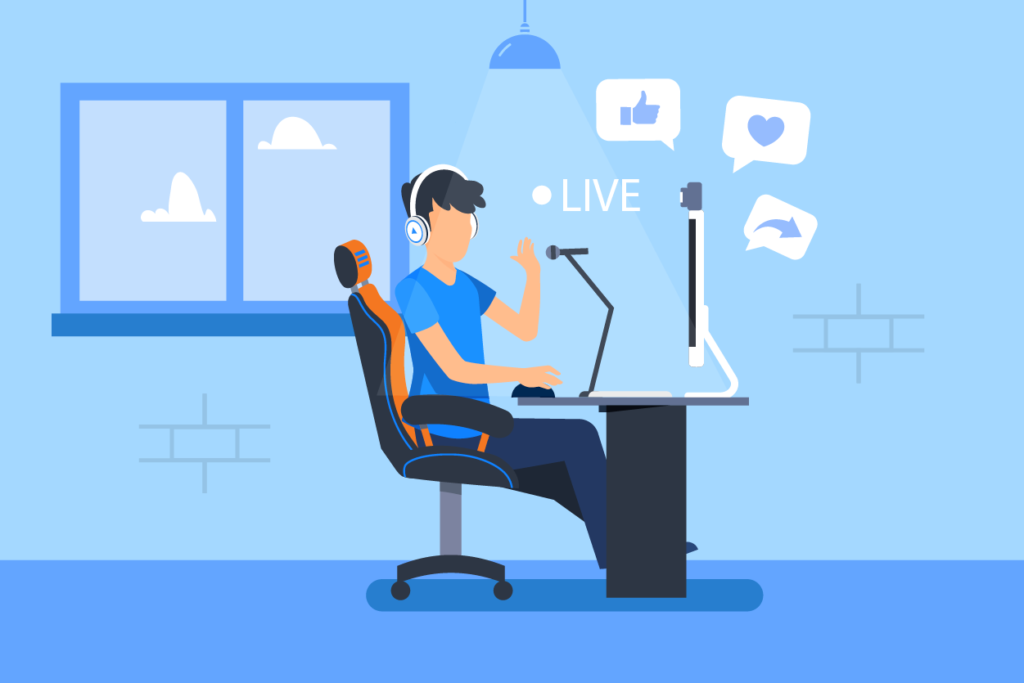
Livestreaming is compelling because audiences respond to what feels spontaneous and communal.
A. When engagement is your goal
Livestreaming excels when you want people to interact:
- Live Q&A
- Polls
- Chat
- Reactions
- Audience shoutouts
It feels personal and dynamic, not passive.
B. When immediacy matters
For moments like:
- Product launches
- Press announcements
- Rapid response updates
Nothing beats live delivery.
C. When your speakers thrive on performance
Some presenters are simply better live. They feed off audience energy and deliver with charisma.
Livestreaming amplifies that strength.
D. When budgets are lean
Livestreaming can be cost-efficient because it requires little or no editing (depending on complexity).
E. When your event spans multiple locations
Live panels or remote hybrid events make it easy to bring together speakers in different time zones.
Drawbacks of livestreaming:
- Technical issues are public
- Internet dropouts affect quality
- No room for do-overs
- Requires rehearsal and strong moderation
- Harder to ensure accessibility in real time
Simulive: a combination of pre-recording and livestreaming
Simulive has become one of the most popular event formats because it blends polish and interaction seamlessly.
How simulive works:
- You pre-record your content.
- You edit it for clarity and quality.
- At event time, you broadcast it as if it were live.
- Speakers engage in real time through chat, polls, and Q&A.
From the audience’s point of view: it feels live because the engagement is live.
Why simulive is now a go-to choice:
A. Zero technical risk
Your video is already perfect before the event begins.
B. Maximum engagement
Chat activity often increases because presenters can answer questions continuously, instead of only during their allotted stage time.
C. Time-zone friendly
You can replay the same event as “live” across regions.
D. Perfect for busy executives
They only need to attend the chat portion.
E. Ideal for global webinars and internal comms
It ensures consistency, reliability, and high production value while still feeling personal.
Hybrid events: When virtual meets in-person
Hybrid formats combine live, in-person components with virtual participation.
Today, hybrid isn’t a compromise; it’s a design choice.
Hybrid works when:
- Your audience is distributed
- You want to reduce travel cost
- You need multiple layers of content (in-person + virtual)
- You want to use real-world energy to elevate digital content
Hybrid requires strategic planning; you’ll need to ask yourself these questions:
- What content is live only?
- What content will be done in Simulive format?
- What content becomes evergreen video afterwards?
Pre-record + livestream + Simulive often coexist in a single hybrid event.
Modern engagement tools that change the Pre-recording vs Livestreaming equation
Virtual audiences expect more than passively watching a stream.
Today’s engagement toolkit includes:
- Interactive polls
- Q&A with upvoting
- emoji reactions
- Quizzes
- Breakout rooms
- Digital networking lounges
- Gamification elements
- QR-coded participation
- Moderated chat
- On-screen graphics and overlays
Livestream and simulive both excel here, though Simulive gives you the safety of pre-recorded content alongside real-time interaction.
Pre-recording vs Livestreaming: Technology & platform considerations
Your choice of platform affects your format options.
Advanced virtual event platforms now offer:
- Networking tools
- Mobile event apps
- Interest-based session recommendations
- Built-in analytics
- Multi-stage virtual events
- Personalised agendas
- Sponsor/booth areas
- AI chat moderators
If your platform supports strong interactivity, livestream and Simulive become more powerful.
If your platform is limited or your AV stack is lean, pre-recording ensures better quality and fewer surprises.
Personalisation: What audiences expect now
Virtual attendees now expect experiences tailored to them, not generic one-size-fits-all programming.
Examples of personalisation:
- Recommended sessions
- Tailored reminders
- Interest-based conversation rooms
- Follow-up content based on behaviour
This trend makes pre-record + simulive a powerful combination because it allows you to deliver consistent, structured content while still responding to individuals in real time.
Accessibility and inclusivity requirements
Accessible events are no longer optional; they are foundational.
Pre-recording helps you guarantee:
- Accurate captions
- Multiple language tracks
- Transcripts
- Audio descriptions
Livestreaming can support accessibility too, but pre-recording is more reliable.
Simulive offers a smart balance: quality + interaction.
Data and analytics: your hidden advantage
One major benefit of virtual events is the ability to measure everything.
Modern platforms provide:
- Attendance rates
- Drop-off patterns
- Engagement heatmaps
- Poll participation
- Session popularity
- Chat volume
- Replay views
These insights help you refine your event strategy and even your content approach:
- Was the pre-recorded keynote more effective than the live one?
- Did audience engagement spike during speaker Q&A?
- Did viewers drop off when sessions ran long?
These learnings directly influence which format you should choose next time.
Networking tools for virtual audiences
Networking is no longer a weak point in virtual events. Tools now support:
- Breakout conversation rooms
- Interest-based matchmaking
- “Speed networking”
- Moderated discussion areas
- On-platform direct messaging
These features pair especially well with Simulive, where presenters can interact without worrying about being on camera.
Sustainability and corporate responsibility
Many organisations choose virtual or hybrid formats for sustainability reasons:
- Fewer flights
- Fewer printed materials
- Lower carbon footprint
- Reduced venue energy use
This perspective often leads to:
- Pre-recorded content for evergreen use
- Simulive sessions for global accessibility
- Hybrid events with lighter physical footprints
Your format choice can reflect corporate values.
AI’s role in modern virtual events
AI now supports nearly every aspect of virtual event production:
For pre-record:
- Automated captions
- Noise cleanup
- AI-assisted editing
- Highlight clip generation
- Auto-transcription
- Localisation
For livestream:
- Live captioning
- Sentiment moderation
- Automated lower-thirds
- Speaker cueing
For Simulive:
- Pre-curated chat responses
- AI moderation
- Multi-language captions
- Auto-summaries for post-event use
AI doesn’t replace the storyteller, but it makes the process more efficient.
Pre-recording vs Livestreaming: it all comes down to event purpose
Your event’s purpose should dictate the format.
Event typeRecommended formatLeadership announcementsPre-record or SimuliveProduct launchesLivestream + replayGlobal town hallsSimuliveTraining modulesPre-recordThought leadership webinarsSimulivePress briefingsLivestreamHybrid conferencesMix of all threeMarketing campaignsPre-record + repurposed clipsInternal updatesPre-record or Simulive
Purpose first → format second. Always.
Budget logic: The updated reality
Earlier assumptions (“livestream is cheaper, pre-record is expensive”) are no longer accurate.
Livestream costs depend on:
- Number of cameras
- Virtual control room setup
- Graphic overlays
- Remote speakers
- Production complexity
Pre-record costs depend on:
- Shooting time
- Graphics
- Editing length
- Approvals
Simulive often sits in the middle
…but yet produces the most dependable and reusable output.
The most cost-effective events balance:
- Production value
- Engagement value
- Long-term content value
Not everything must be live. Not everything must be pre-recorded.
Your strategy is what will get you your savings.
7 Common mistakes (and how to avoid them)
Mistake 1: Choosing format before defining purpose
Fix: Clarify your objective first.
Mistake 2: Assuming livestream is always cheaper
Fix: Evaluate complexity, not format.
Mistake 3: Over-scripting pre-recorded content
Fix: Aim for clarity, not perfection.
Mistake 4: Under-preparing speakers for live events
Fix: Always rehearse.
Mistake 5: Forgetting about replay audiences
Fix: Plan on-demand as if it were its own product.
Mistake 6: Not designing for accessibility
Fix: Build accessibility into planning, not post-production.
Mistake 7: Ignoring how content will be reused
Fix: Pre-record content you want to recycle.
Pre-recording vs Livestreaming: The complete decision matrix
If you want…Best choicePerfect deliveryPre-recordHighest production qualityPre-recordReal-time interactionLivestreamZero technical riskSimuliveEngagement + polishSimuliveSpeedLivestreamSpeaker confidencePre-recordTime-zone flexibilitySimuliveMaximum replay valuePre-recordSustainabilityPre-record or SimuliveData-rich engagementLivestream or Simulive
Planning your virtual event: A step-by-step guide
Choosing between pre-record, livestream, and Simulive becomes much easier when you follow a structured planning process. Most clients jump to production decisions too quickly, but the real clarity comes from stepping back and mapping out the event properly.
Here’s a simple framework you can share with your internal stakeholders or event team.
Step 1: Define the core objective
Ask: What do we want this event to achieve?
Common objectives:
- Inspire or motivate
- Explain or train
- Announce or update
- Launch or promote
- Engage or gather feedback
- Build community
Your objective should dictate:
- Whether interaction is required
- Whether precision is important
- Whether energy or control matters most
- Whether the content should live beyond the event
This is the #1 determinant of format.
Step 2: Understand your audience
Different audiences behave differently.
Examples:
- Internal teams value clarity, accessibility, and brevity.
- Prospects need polished, persuasive storytelling.
- Customers want demos, interaction, and examples.
- Partners expect reliability and professional production.
Knowing what your audience cares about helps you decide whether control (pre-record), engagement (live), or both (Simulive) is the priority.
Step 3: Assess speaker readiness
A speaker’s natural style will dramatically influence format success.
Ask:
- Do they thrive on live energy?
- Do they need structure and support?
- Are they comfortable handling Q&A?
- Do they prefer multiple takes?
A confident live presenter can elevate a livestream. A thoughtful but nervous speaker will shine with pre-record support.
Simulive is ideal when you want both polish and presence.
Step 4: Map the content structure
Break your event into content blocks.
Not everything needs to be live or pre-recorded, and mixing formats is now common.
For example:
- Opening keynote: Pre-recorded for clarity
- Panel discussion: Livestream for energy
- Product demo: Pre-recorded for precision
- Q&A: Live
- Closing remarks: Simulive for interaction
Design the event like a show, not a single block.
Step 5: Confirm technical requirements
Your AV choices affect your format choices.
Consider whether you:
- Need multi-camera setups?
- Will run graphics or lower-thirds?
- Need breakout rooms?
- Will your speakers join remotely?
- Have a platform optimised for global audiences?
If your tech setup is complex, Simulive protects you from real-time risk.
How to maximise engagement, whether you choose pre-recording or livestreaming
Strong engagement doesn’t happen by accident.
Virtual attendees need rhythm, interaction, and moments of human connection to stay attentive.
Here’s how to make your event more engaging across all formats:
A. Use pattern interrupts
Change the pacing every 3–5 minutes:
- Swap camera angles
- Introduce visuals
- Show a demo
- Run a poll
- Cut to a testimonial
Attention resets create better retention.
B. Build interaction into the content
Don’t wait until the end for Q&A. Instead:
- Ask questions early
- Prompt reactions
- Run quick votes
- Show live comments on screen
Interaction turns passive viewers into active participants.
C. Keep sessions shorter
The modern virtual attention span isn’t 60 minutes, it’s closer to 12–20 minutes unless engagement is structured deliberately.
Break content into segments:
- Keynote → panel → demo → Q&A
- Micro-sessions (5–10 minutes)
- Segment transitions with visuals or host moments
Shorter beats longer.
D. Use moderators strategically
A strong moderator:
- Frames conversations
- Keeps timing tight
- Bridges content blocks
- Handles chat questions
- Manages energy
Moderators are the difference between a smooth livestream and a chaotic one.
E. Prime the audience before the event
Engagement begins before the event starts.
Great pre-event practices:
- Send a teaser clip
- Share the agenda
- Give preview questions
- Set expectations for participation
- Encourage users to prepare questions
When audiences arrive primed, they stay engaged longer.
Post-event strategy: What happens after the event is just as important
Clients often focus all their attention on the event itself when, in reality, the content lifecycle after the event is where the real ROI happens.
A modern virtual event generates dozens of assets.
A. Release the replay
Attendance no longer equals impact.
Many events now get:
- Fewer live attendees
- But more total viewers through on-demand replays
Pre-recorded and Simulive formats shine here because their polished structure translates beautifully into VOD.
B. Create short-form clips
Turn key moments into:
- Social videos
- Internal updates
- Teaser clips
- Email follow-ups
- Training snippets
Short-form video extends your visibility far beyond the event.
C. Repurpose into written content
Post-event content can become:
- Blog posts
- Sales enablement assets
- Internal knowledge articles
- Customer-facing documentation
- FAQ sheets
This “content multiplier effect” significantly increases event ROI.
D. Analyse engagement data
Your analytics tell a story:
- Which segments retained the most viewers?
- When did people drop off?
- What triggered the most interaction?
- Which speakers engaged the audience best?
These insights help you refine future events and choose formats more strategically next time.
How to run a pre-record, livestream, or simulive event with C2V-level professionalism
Clients often underestimate how much smoother events become with expert production support. Here’s what a professional workflow looks like at a high level:
A. For pre-record
- Script or outline
- Speaker coaching
- Filming (remote or in-studio)
- Editing + graphics
- Accessibility adjustments
- Revisions
- Scheduling + integration
Reliable, repeatable, and controlled.
B. For livestream
- Technical setup + testing
- Speaker rehearsals
- Showflow design
- Moderator preparation
- Live broadcast
- Real-time troubleshooting
- Capture + archive
Livestream success is 90% planning.
C. For simulive
- Pre-record and edit content
- Build event program into platform
- Prepare speakers for live chat
- Run broadcast as “live”
- Deliver real-time engagement
- Release the replay or re-broadcast in other regions
Simulive is often the most efficient delivery model across global organisations.
Summary: Which format to choose when
Choose pre-record If…
- Your message must be accurate
- Your speaker prefers structure
- You want maximum production quality
- Accessibility is essential
- The content will live on beyond the event
Choose livestream If…
- Interaction is the priority
- Your speaker shines live
- Immediacy is part of the story
- You want community energy
- You need fast turnaround
Choose simulive If…
- You want quality and engagement
- You’re addressing global time zones
- Your event has multiple sessions
- Your speakers can’t attend live
- You want reliability with no tech surprises
- You plan to replay the event